
Give your Zendesk Team Sight by Adding One Integration from the Zendesk Marketplace
September 2, 2020
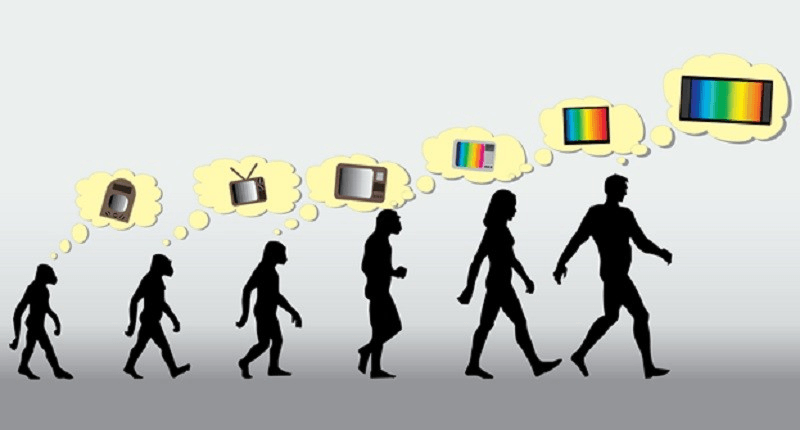
Everyone listened to radio then came TV. Everyone could only see text then smartphones arrived. Everything changes once you add pictures. If you're using Zendesk, everything improves once your agents can see. Below we'll show you how you can add both pictures and visual interaction to Zendesk via one integration on the Zendesk marketplace.
Doing support via email was a mess

Then support went all "one central feed" which was much better
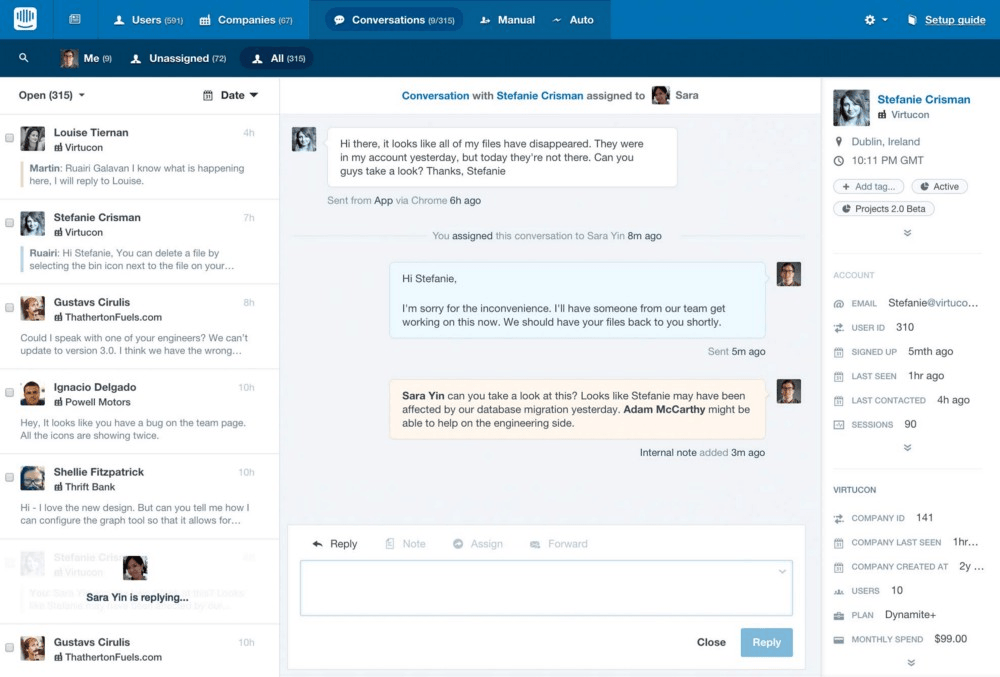
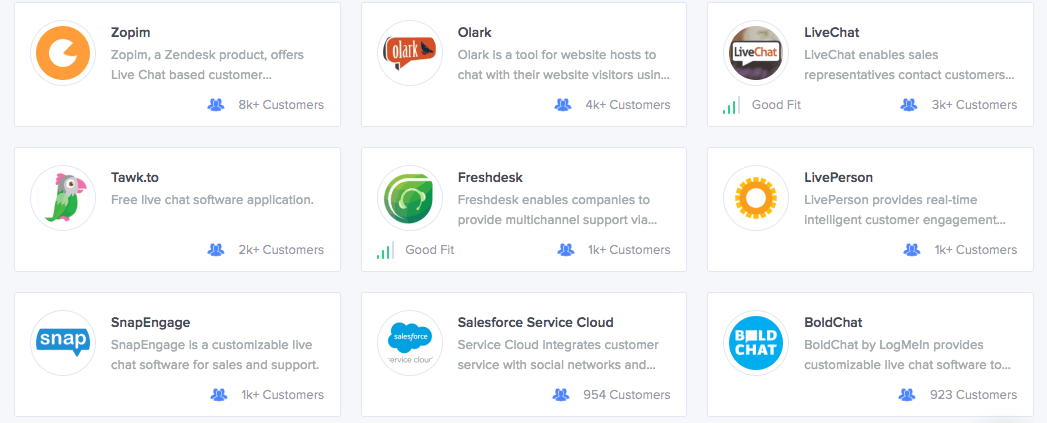
Zendesk and others provide that one central feed
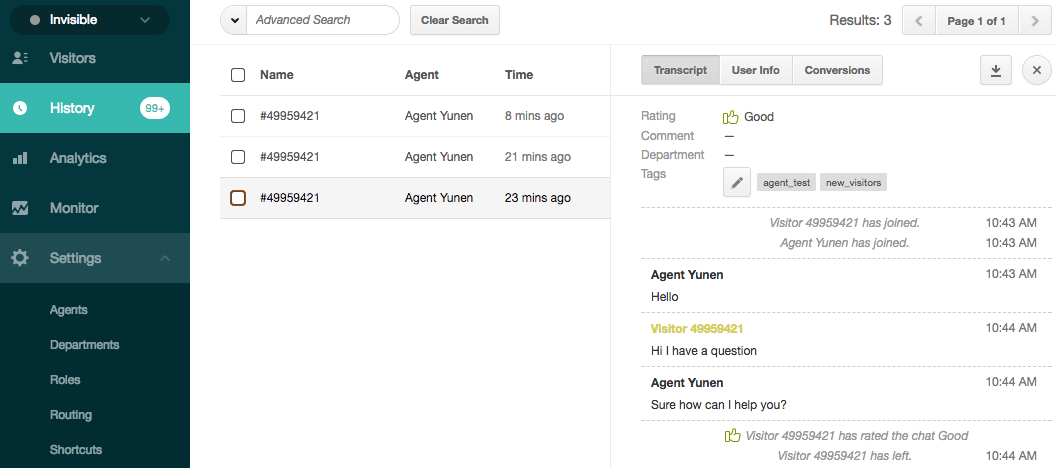
But it's all text. All words.
A bit like turning on the TV but you can only see subtitles.
And yet...
Just like radio to TV
Just like text phones to smartphones
Adding pictures changes everything and no one goes back
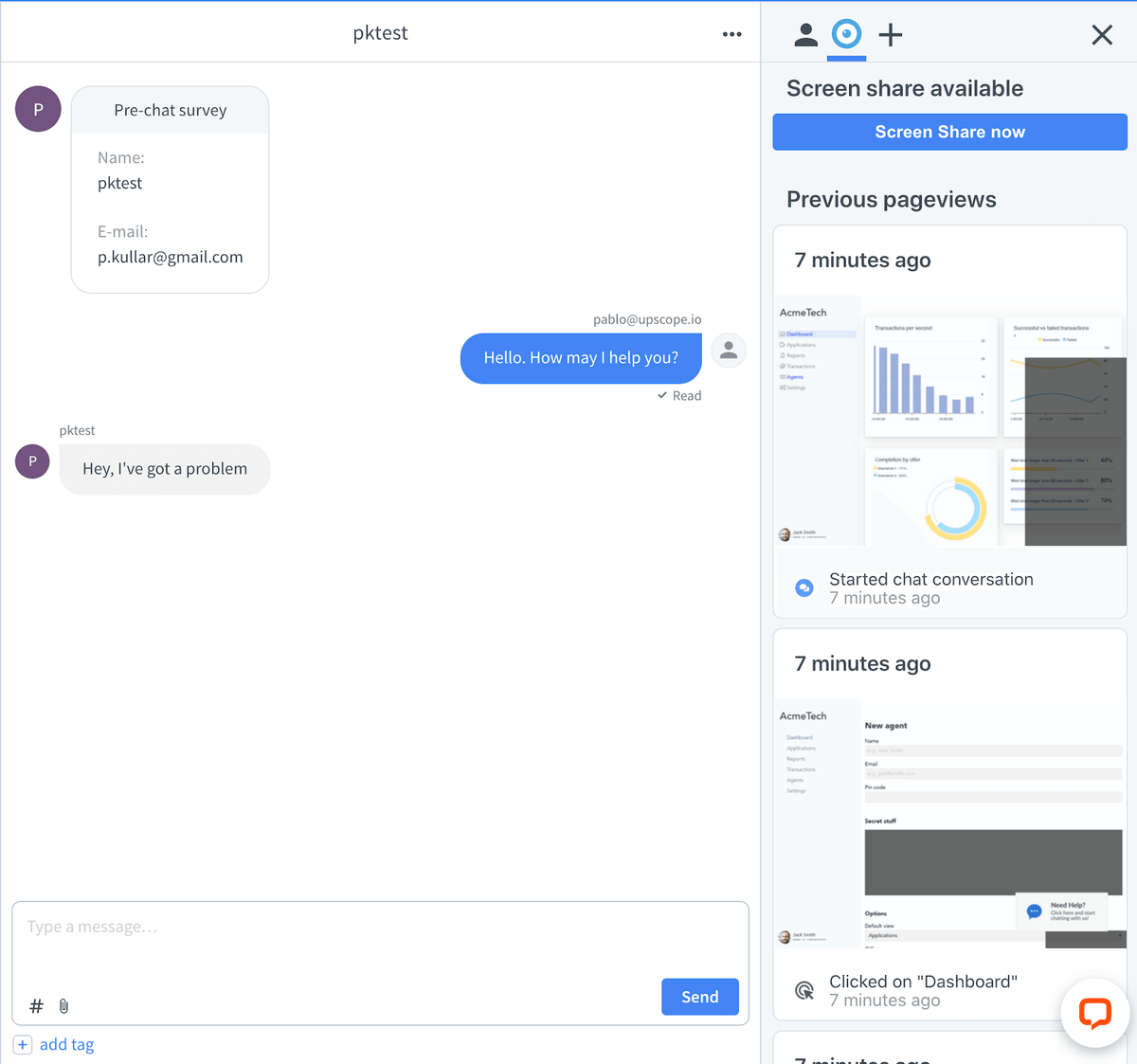
Here's Zendesk when we add pictures of what the UserView did before they opened a chat
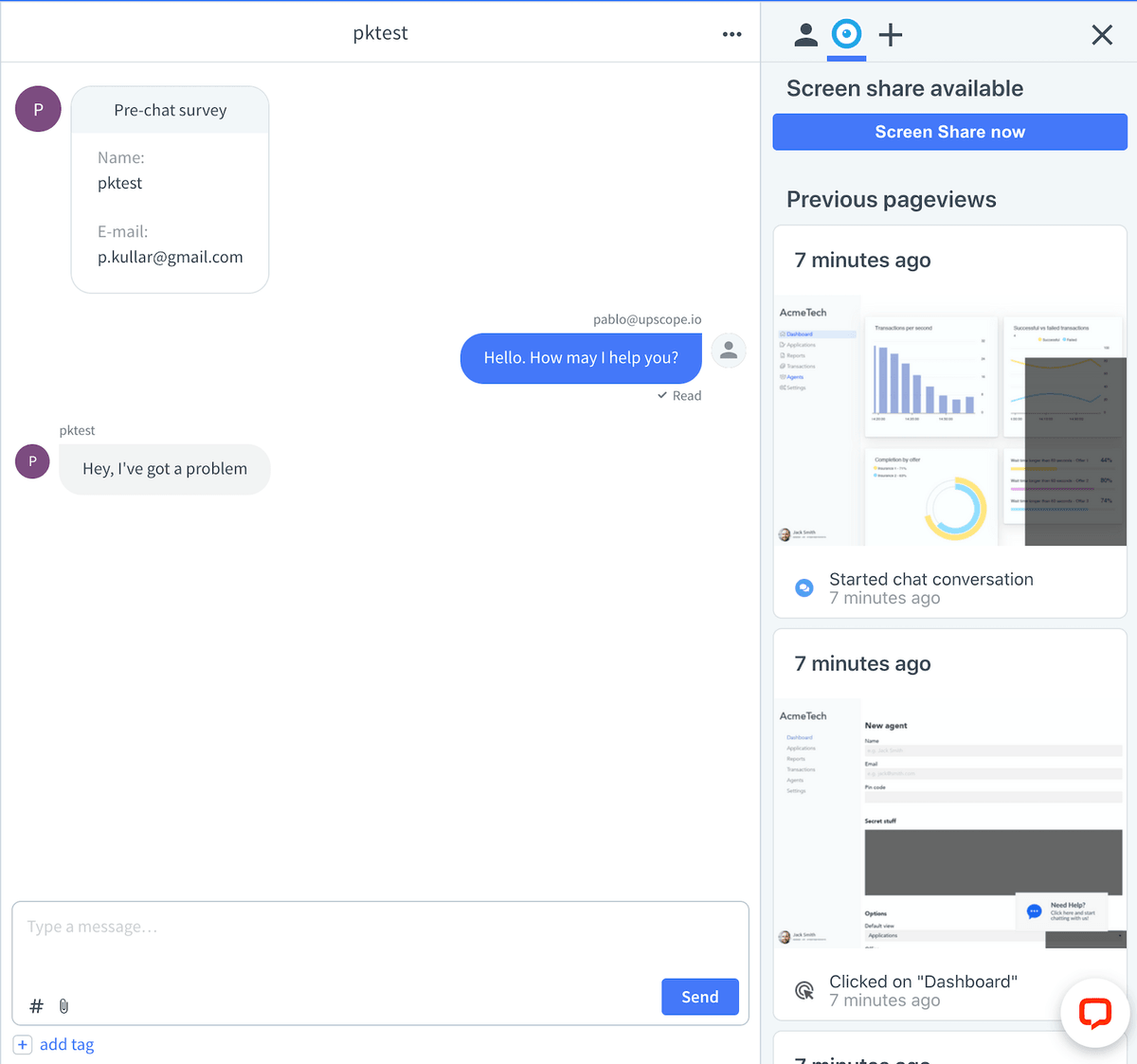
Suddenly you don't need to ask as many questions because you can see the problem
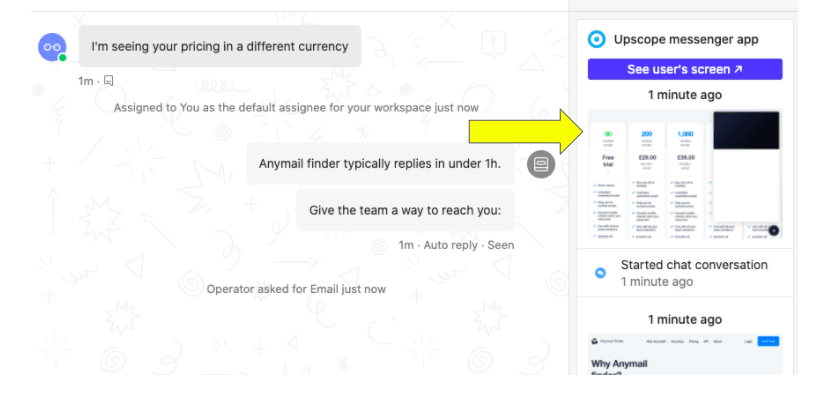
Customer: "Why is your pricing in a different currency?"
Agent: "Ah, you've come to our UK pricing page, go to this link..."
You don't need to ask them what currency they see. You know the answer and are already writing a response.
What about more than just pictures?
What if you can see their live screen and draw on it?
Instantly. Without downloading anything.
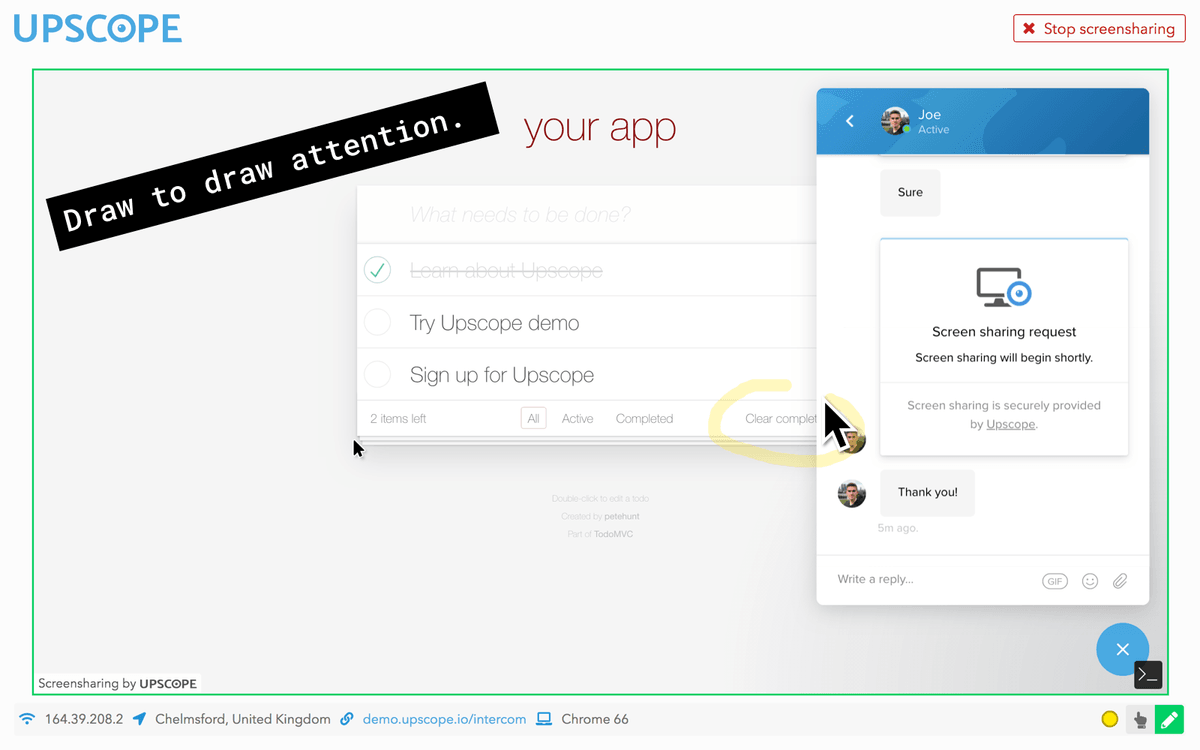
Customer: "How do I clear the list?"
Support agent: "Click this button, the one I've highlighted."
What if you can send your mouse over the internet to their screen and click on buttons for them?
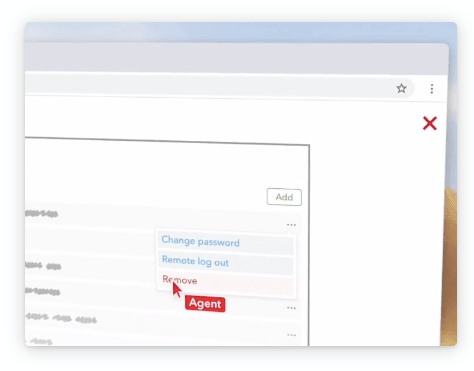
Customer: "How do I remove this item?"
Agent: "I'll do it for you."
You would no longer need to type lists of instructions
The companies who have already given their teams sight

Which of the Zendesk integrations can give my team sight?
Both the pictures and interactive co-browsing are provided by UserView.

UserView is the modern instant form of visual communication for support.
We want to help super agents enjoy their work by giving them super services.
Upscope can be set up and running in a day.
About the Author
Pardeep Kullar
Pardeep overlooks growth at UserView and Upscope and loves writing about SaaS companies, customer success and customer experience.